

Preparing:
First, make sure the blocks you use match with the allowed materials!
To check. Use /help and select "MoveCraft" then "Materials".
Movecraft Basic Components:
First its recommended to build the shell of your vehicle.
For this tutorial I will be using this as my base. but it can be anything that fits with the allowed materials.
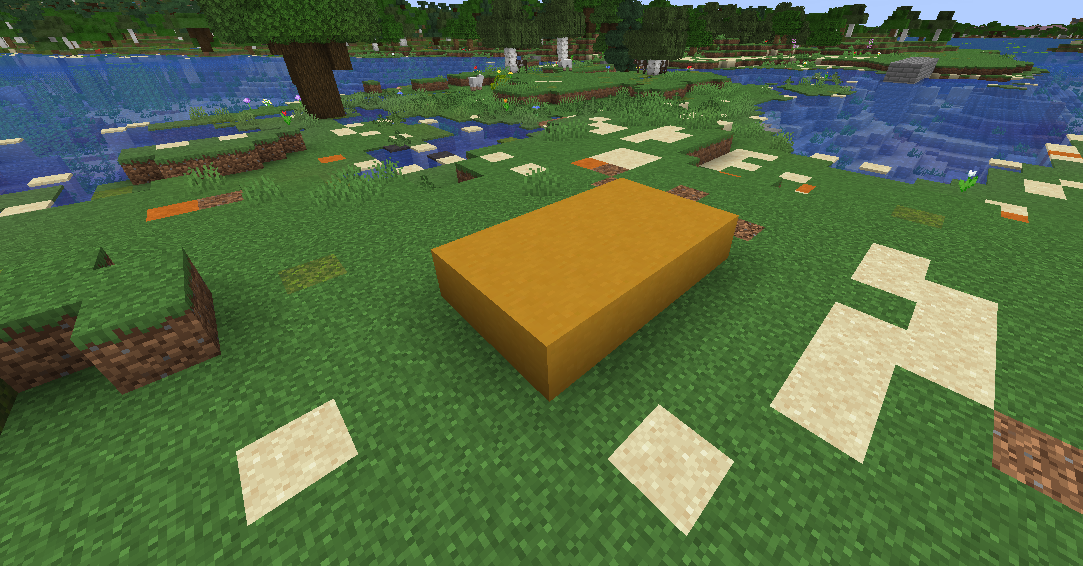
The first thing we will be doing is placing down a furnace anywhere. furnaces are like engines in MoveCraft.
They also need fuel to run. To fuel them just put one of the allowed fuels into the furnace:
Allowed Fuels:
- Planks
- Coal
- Charcoal
Signs in MoveCraft are the basic ways to make controllable Crafts.
There will be only 2 signs you will need for now.
- Control Sign
- Helm Sign
Starting with the Control sign.
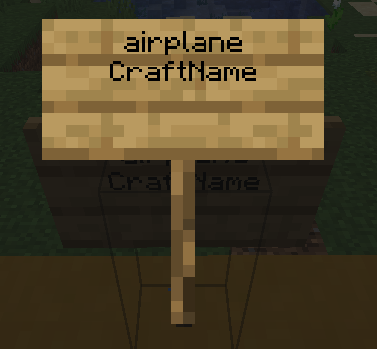
The first line is the craft type. There are loads of craft types in MoveCraft. For this example we will be using "airplane".
The second line is the name of your craft. This is optional and not needed for the craft to function.
Now for the Helm sign.
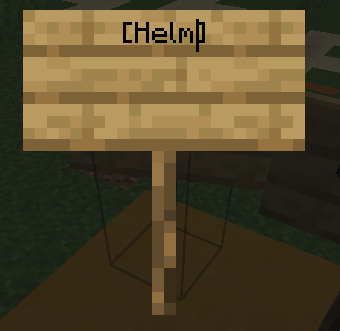
The helm lets you steer your craft. Once you type [Helm] into the sign and exit, it will automatically convert into a helm.
That is all the basic requirements for making a plane with MoveCraft.
How to Pilot the plane:
This will be a quick guide on how to pilot your plane now you have it.
First, right click the Control sign with your fist.
Then, look in any direction and right click with a compass.
To turn, right click the Helm sign.
To stop controlling your craft, type "/release" into chat.
That is it for this guide. If you need any help make a comment on this post and i will reply once i can. Or open a support ticket in the discord.
Last edited: 7 months ago
 x 1
|
x 1
|
 x 1
|
x 1
|
 x 1
|
x 1
|
 ️ x 1
️ x 1